
Add protection to the password
Signing in requires a second confirmation. The password alone is therefore no longer enough to access the account.
Enter at least 2 characters to search the website.

Access securityWith Microsoft Authenticator
In addition to their password, each staff member confirms their identity with Microsoft Authenticator, a code or a fingerprint. This extra check helps block account access when a password is stolen.
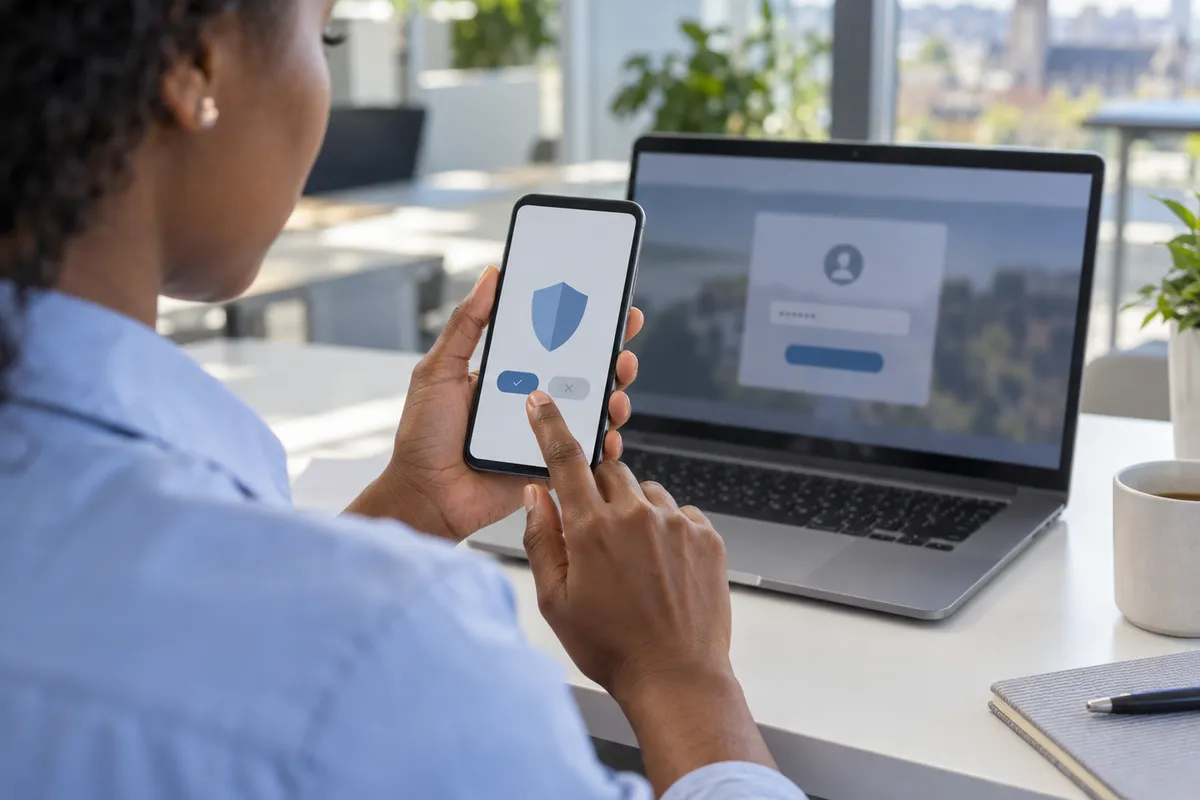
MFA adds a second check after the password. The staff member confirms their identity with Microsoft Authenticator, a fingerprint or a security key. If their password is stolen, another person cannot sign into their account as easily.
Signing in requires a second confirmation. The password alone is therefore no longer enough to access the account.
The staff member can approve a notification on their phone or use another simple, secure method.
Accounts belonging to administrators, management and others with access to sensitive information can receive stronger protection.
We provide a secure solution when a staff member loses or replaces their phone.
Here are three situations where an extra check protects your company accounts.
Your staff confirm their identity before accessing email, Teams and company documents.
Accounts providing access to settings and sensitive information benefit from stronger verification methods.
Extra confirmation may be requested when a staff member signs in from a new device or an unusual country.
We set up two-factor authentication and support your staff at every step, from activation to assistance if problems arise.
We identify the users and applications concerned, paying particular attention to sensitive accounts.
Microsoft Authenticator, fingerprint or security key: we choose a simple solution suited to each staff member, even without a business smartphone.
We explain the change, help your teams activate MFA and proceed gradually to avoid disrupting their work.
When a staff member loses or replaces their phone, we help them regain access securely.
Clear answers to help you understand MFA before implementing it in your business.
Any other questions?No protection is infallible, but MFA greatly reduces the risk of a stolen password being used. For sensitive accounts, we can add stronger protections such as a security key and Conditional Access rules.
No. Depending on your organisation, your staff can use a business phone, a security key or another suitable method.
MFA protects Microsoft 365 and many applications compatible with Microsoft Entra. GVISION reviews the applications concerned with you.
We first test MFA with a few users and provide a fallback option. If a staff member loses or replaces their phone, GVISION helps them regain access quickly.
Let’s review your needs and the next steps.