
The right equipment for each employee
We select equipment based on software used, mobility needs, expected performance and your business's budget.
Enter at least 2 characters to search the website.
On-premises infrastructure
Computers, monitors, peripherals or printers: GVISION selects equipment suited to your business, prepares it, installs it and integrates it into your environment. We then manage your fleet throughout its lifetime.
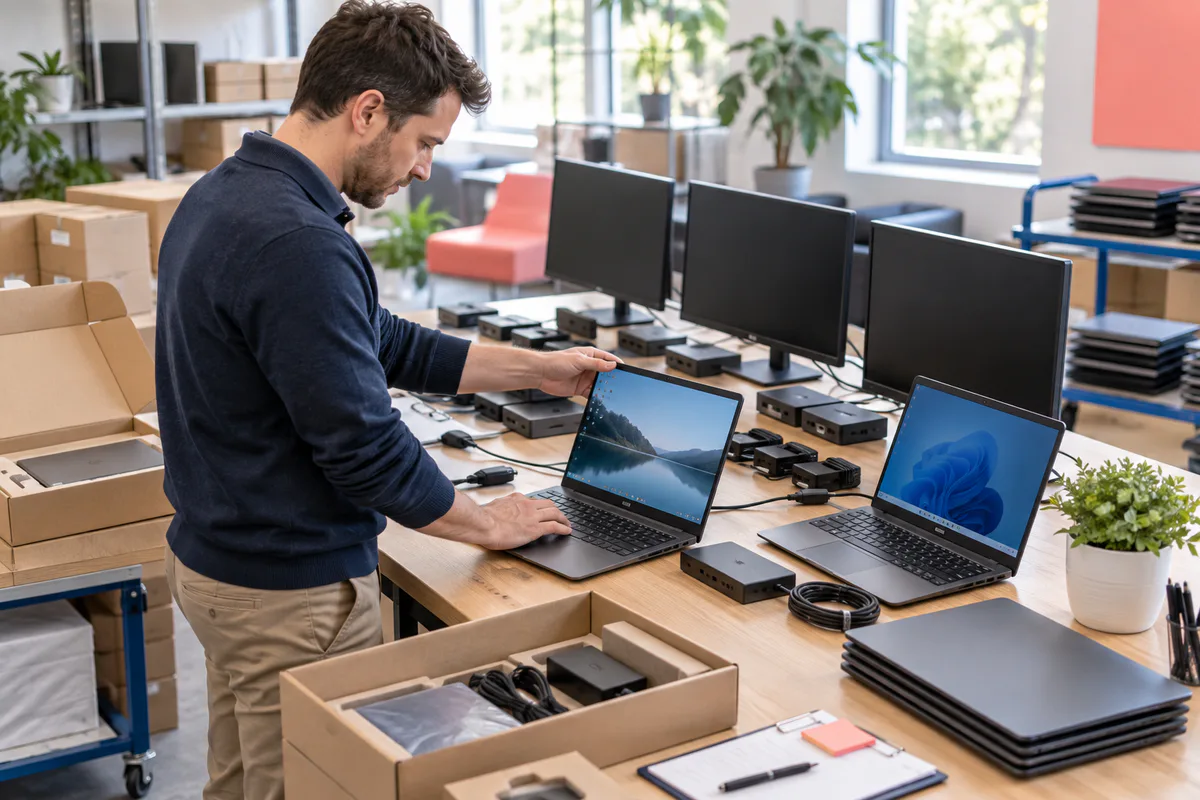
Buying a computer is not enough. To be truly effective, each device must suit the user's work, be correctly configured and be managed over time. GVISION supplies your PCs, monitors, printers and peripherals, then handles preparation, installation and management.
We select equipment based on software used, mobility needs, expected performance and your business's budget.
The necessary accounts, software, access and settings are prepared before installation. Your employees can get to work quickly without configuring equipment themselves.
GVISION retains useful information for each device and supports you with breakdowns, repairs or warranty claims.
We track your equipment's age, condition and assignment to anticipate replacements and avoid breakdowns caused by outdated hardware.
GVISION works with several manufacturers to offer equipment best suited to your employees, usage and budget.

Dell Pro ranges meet everyday business needs, while XPS models suit executives and users seeking greater mobility, performance and build quality.
GVISION selects the configuration and accessories suited to each profile, then prepares and installs the equipment.

Lenovo ThinkPad computers offer different formats for work in the office, at home or on the move. ThinkVision monitors help create comfortable workstations suited to professional use.
GVISION puts together a complete setup with the computer, monitors and necessary peripherals.

HP ProBook models suit everyday professional needs. EliteBook models serve users seeking greater mobility, comfort and build quality.
GVISION helps you choose a suitable range and configuration, then handles equipment preparation, installation and follow-up.
GVISION helps equip employees, renew your fleet and create effective workstations without multiplying suppliers or technical tasks.
Hiring several employees or opening a new department? GVISION supplies computers, monitors and peripherals, then prepares the necessary accounts, software and access. Each person receives a workstation ready for work on arrival.
Ageing equipment causes slowdowns, breakdowns and lost productivity. GVISION analyses your fleet, identifies priority workstations and organises gradual replacement to keep your budget under control.
We equip employees with suitable laptops, docking stations, monitors, headsets and accessories. They have a comfortable, consistent working environment in the office and at home.
From equipment selection to replacement, GVISION handles every stage so employees have reliable, secure equipment that is immediately operational.
We analyse the software used, travel, working conditions and accessories needed for each role.
We compare professional computers, monitors, printers and peripherals to offer equipment suited to your needs and budget.
GVISION installs necessary accounts, software, access and protections before delivery. Each device is configured according to your company's rules.
We install equipment, transfer useful data and keep the inventory up to date. We then track condition, warranty and age to anticipate future replacements.
Everything to know before equipping employees or renewing your fleet.
Any other questions?The choice depends on the software used, mobility needs, number of monitors and expected performance. GVISION defines several profiles so each employee receives suitable equipment without paying for unnecessary power.
Yes. GVISION can supply the laptops or desktop computers, monitors, docking stations, keyboards, mice, headsets, printers and other peripherals needed.
Yes. We can install accounts, software, access and protections before delivery. The employee receives a device ready for work as soon as it is put into service.
Yes. GVISION can deliver and install equipment on your premises, connect peripherals, transfer useful data and check that everything works correctly.
GVISION becomes your point of contact for diagnosis, warranty and repair follow-up. Depending on your contract, we can also arrange a temporary solution to limit disruption to work.
Yes. We maintain an inventory of equipment, its assignment, age and warranty. This helps anticipate replacements and better plan your IT budget.
We can support reassignment, replacement or retirement. Before any equipment leaves the fleet, business data must be backed up if necessary, then securely deleted.
GVISION advises on, supplies and installs professional equipment suited to your teams, usage and budget.