Keep your teams productive
Correctly sized servers and storage keep your applications fast and available, even as user numbers or data volumes grow.
Enter at least 2 characters to search the website.
On-premises infrastructure
GVISION designs, supplies, installs and manages servers and storage solutions suited to your business. Your applications stay performant, your data accessible and your business ready to evolve.
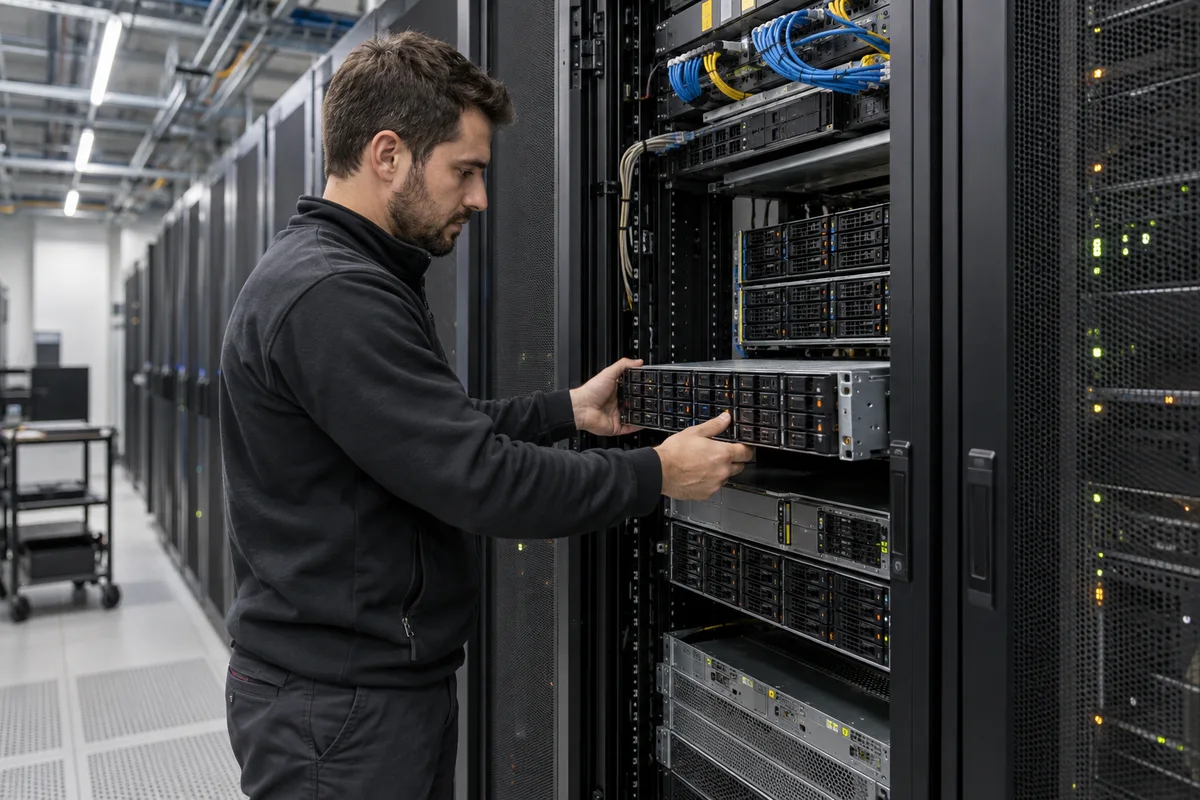
When servers slow down or fail, your employees, applications and sometimes your entire business stop. GVISION implements infrastructure suited to your operations to preserve productivity, protect data and support growth.
Correctly sized servers and storage keep your applications fast and available, even as user numbers or data volumes grow.
Essential components can be duplicated so a hardware failure does not immediately bring your business to a halt. Your operations then rest on a more reliable foundation.
GVISION monitors the condition and capacity of your equipment to detect wear, lack of space or anomalies before they disrupt your business.
A separate backup lets you recover your data after a failure, human error or cyberattack. GVISION also prepares the steps needed to get your services running again quickly.
GVISION selects servers and storage solutions based on your business needs, applications used, data volume and expected level of continuity.
HPE ProLiant servers run your applications, files and essential services. HPE storage solutions complement this infrastructure when your business needs more capacity, performance or continuity.
GVISION designs, installs and monitors an HPE solution suited to your business and its development.

Dell PowerEdge servers meet the needs of SMEs and more demanding environments alike. Dell PowerVault and PowerStore storage solutions centralise your data and let you increase available capacity gradually.
GVISION advises you on configuration, installs the full setup and provides ongoing monitoring.
The Lenovo ThinkSystem range includes servers and storage solutions to host applications and centralise your company data.
GVISION selects infrastructure suited to your current needs while planning the capacity required to support your growth.
Synology solutions centralise, share and back up your company files. They are particularly suited to businesses seeking storage that is easy to use, scalable and accessible to authorised staff.
GVISION supplies, configures and monitors your Synology solution so your data stays organised, accessible and protected.
GVISION helps you anticipate changes before ageing equipment, lack of space or a failure slows down your whole business.
An old server or one out of warranty increases the risk of failure and interruption. GVISION prepares its replacement, transfers your applications and data, then organises the transition to limit the impact on your teams.
Do your staff work with large numbers of documents, plans, photos or videos? We set up centralised, fast and scalable storage, with access tailored to each user and a separate backup strategy.
Several old servers can often be consolidated onto a newer platform. This reduces the number of devices to maintain, simplifies management and makes recovery after an incident easier.
GVISION handles the entire project: current-state analysis, hardware selection, installation, service transfer and daily monitoring. You benefit from reliable infrastructure without managing its complexity yourself.
We analyse your equipment, applications, data volumes and growth plans to identify limitations and issues that could interrupt your business.
We select the servers and storage your business needs, balancing performance, continuity, scalability and budget.
GVISION prepares the new infrastructure, transfers your applications and data, then performs the necessary checks. The work is scheduled to limit interruptions.
We track your equipment’s condition, capacity and alerts. We schedule updates, check backups and intervene before a problem becomes critical.
Essential answers before installing, replacing or expanding your infrastructure.
Any other questions?This depends on your applications, Internet connection, data volumes and availability requirements. GVISION compares on-premises, cloud and hybrid solutions to recommend the best balance for your business.
A server runs applications and various business services. A NAS is mainly used to centralise, share and back up files. The two can complement each other depending on your needs.
It is best to plan replacement before a major failure. GVISION considers age, warranty, performance, available capacity and your business's evolution.
No. Redundancy helps maintain a service when a component fails, but does not protect against deletion, cyberattacks or data corruption. An independent backup remains essential.
A short interruption may sometimes be necessary, but good preparation can greatly limit it. GVISION tests the new infrastructure and schedules the transfer at the least disruptive time for your teams.
Yes. GVISION first analyses applications, data and their dependencies, then organises migration to the new infrastructure with the necessary checks.
Yes. As part of managed IT services, GVISION can monitor alerts, capacity, backups and the general condition of equipment. We also handle updates and intervene when a problem is detected.
GVISION analyses your servers and storage, identifies risks and proposes a reliable, scalable solution suited to your budget.