Block dangerous connections
The firewall analyses communications with the internet and blocks suspicious or unauthorised access before it reaches your equipment and data.
Enter at least 2 characters to search the website.
Network protection
GVISION installs, configures and monitors your firewall to block suspicious connections, protect your data and secure communications between your offices, staff and the internet.
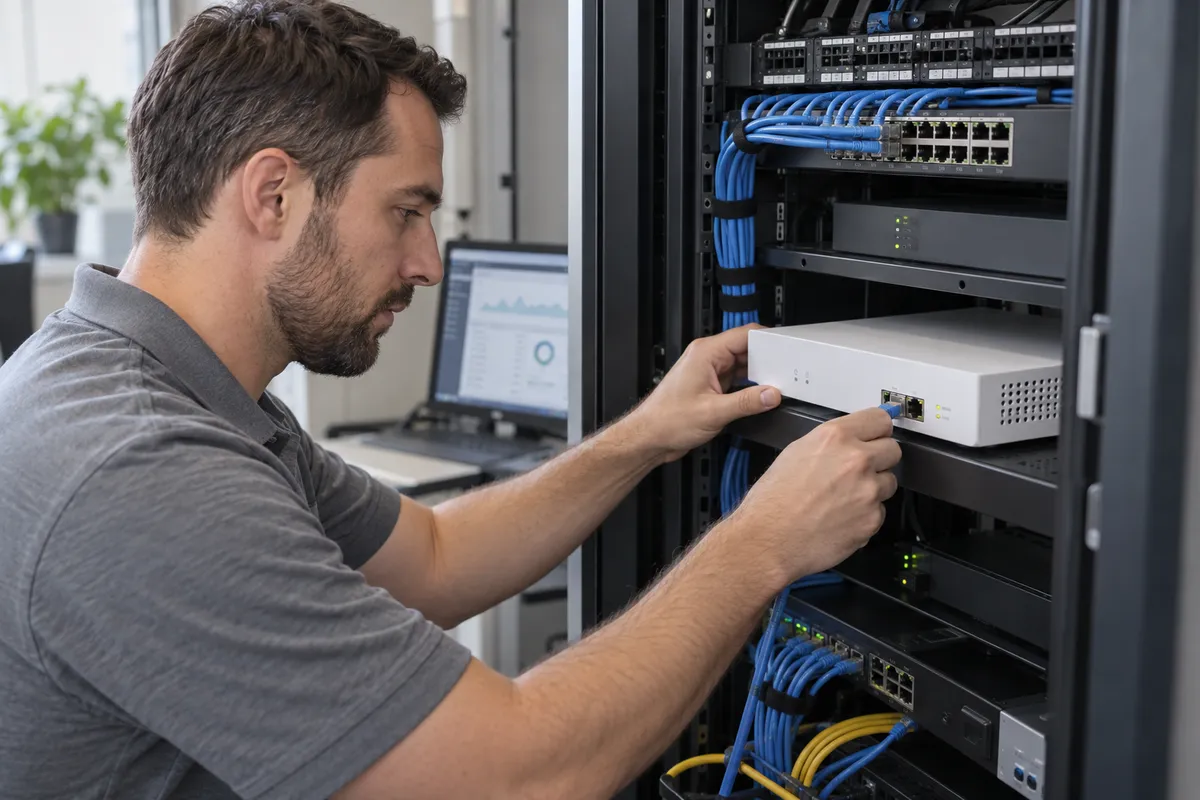
Your network is constantly connected to the internet, your staff, your applications and sometimes several sites. A correctly configured firewall controls these exchanges and reduces the risk of a malicious or unauthorised connection disrupting your business.
The firewall analyses communications with the internet and blocks suspicious or unauthorised access before it reaches your equipment and data.
Staff, guests, servers and equipment can be separated. If a device is compromised, this arrangement limits the spread of the problem to the rest of the business.
The firewall protects communications between your sites and lets authorised users remotely access the tools they need.
GVISION monitors alerts and important network activity. This visibility helps identify intrusion attempts, misconfigurations or unusual usage more quickly.
Practical situations where a correctly configured firewall can prevent an interruption, data leak or intrusion.
Automated systems constantly search for businesses with inadequately protected servers or remote access. They may try multiple passwords or exploit a known weakness to enter the network. The firewall blocks suspicious connections before they reach your equipment and reports significant attempts to GVISION.
A personal computer on guest Wi-Fi or a poorly secured device tries to access internal files and servers. By separating different uses, the device stays isolated and cannot freely communicate with essential resources. GVISION can then identify the source of the behaviour and intervene without bringing the entire network to a halt.
A staff member needs to use business software or consult files from home. The firewall creates a protected connection to the company and limits access to the resources needed for their work. If they leave or lose the device, access can be disabled quickly.
An external provider needs to maintain software hosted at your premises. Instead of granting general access, the firewall allows only the necessary connection, from a defined source to the service concerned. Other parts of the network remain inaccessible.
A business has several offices that need access to the same applications or servers. Firewalls create a protected link between sites so staff can work as though they were on the same network. GVISION monitors these connections and intervenes when a link becomes unavailable.
GVISION configures your firewall to your business needs, handles installation and organises ongoing monitoring.
Identify your sites, users, tools and connections to secure.
Determine which connections to allow, which access to block and which equipment to separate.
Commission the firewall and check that your applications and connections work correctly.
Install updates, back up the configuration and adapt rules as your needs change.
Points to clarify before getting started.
Any other questions?A firewall controls connections between the internet and your company network. It allows necessary communications and blocks suspicious or unauthorised access.
The router provides basic protection, but generally does not meet a business’s needs. A professional firewall gives better access control, separates equipment and monitors network activity.
No. The firewall protects access to the network, while antivirus protects computers and servers directly. The two solutions complement each other.
Yes. It can separate staff Wi-Fi, guest Wi-Fi and equipment such as cameras or printers to limit access between them.
Yes. The firewall can create a secure connection so staff remotely access only the resources they need.
Yes. It must be updated regularly and its rules checked. An outdated or unsuitable configuration can allow unwanted connections through.
Managed IT ensures updates are followed up, alerts checked and security rules adapted. A technical team can respond quickly if a problem occurs.
Talk to an expert to assess your setup and choose a firewall suited to your business needs.