
Protect what keeps your business running
Back up the files, applications and systems essential to your teams’ work.
Enter at least 2 characters to search the website.
Protection and continuity
Accidental deletion, a cyberattack or a failure can block your teams and put your business at risk. GVISION protects your data and checks that it can be recovered quickly when you need it.
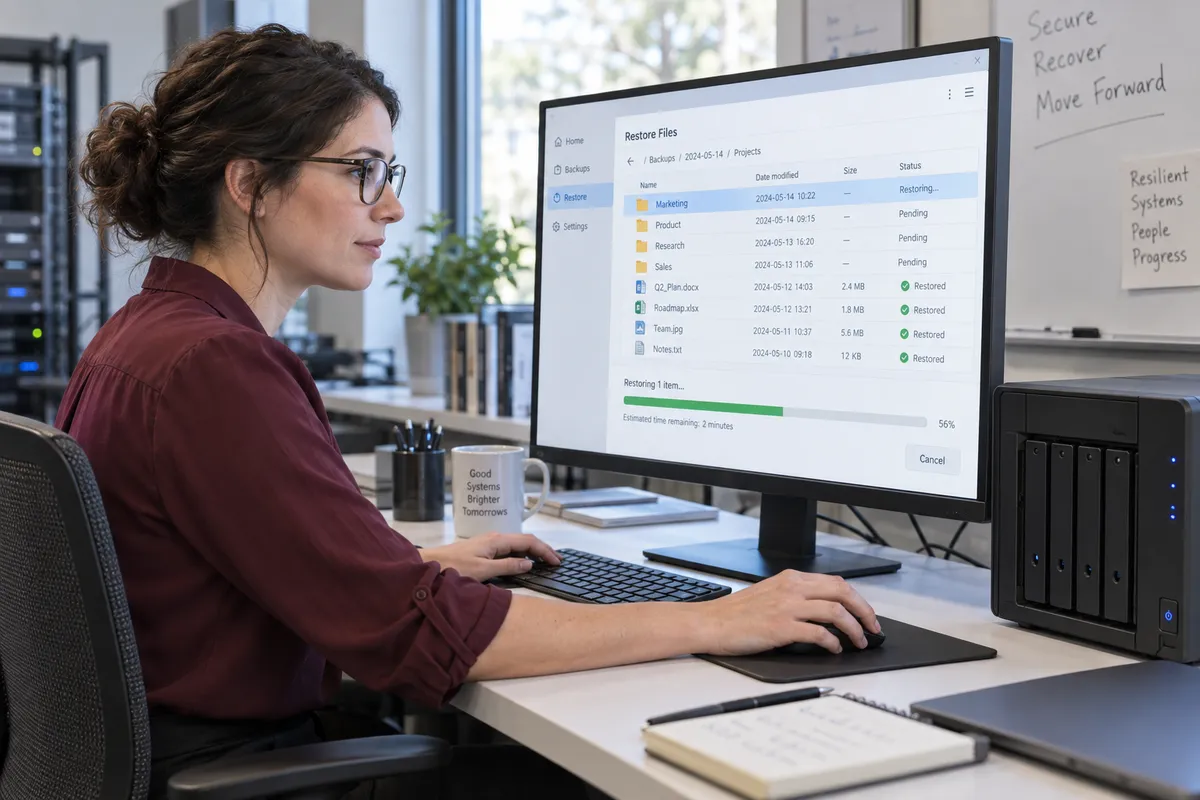
Local backup lets you recover your data quickly. The off-site copy remains available if your equipment is affected by failure, theft, fire or a cyberattack. Together, they reduce the risk of a prolonged interruption to your business.
Back up the files, applications and systems essential to your teams’ work.
Restore lost data or an entire system to limit the interruption.
Keep a backup separate from your equipment so an incident at your premises does not destroy every copy.
Monitor backups and test restoration to avoid discovering a problem on the day the data is actually needed.

A solution for businesses looking to protect their servers, virtual machines and essential data.
GVISION configures backups, monitors their execution and organises restores to limit disruption to your business.

A solution combining data backup with features that protect against cyberthreats.
GVISION adapts protection to your computers and servers to make recovery easier after a failure, deletion or attack.

A backup solution designed to protect servers and virtualised environments while facilitating rapid recovery.
GVISION defines the data to protect, copy frequency and restoration priorities according to your business needs.

A solution that centralises backups of your computers, servers and business data on equipment installed at your premises.
GVISION can supplement this local backup with an off-site copy so your data remains recoverable even if an incident affects your premises.
Practical situations where a well-prepared backup prevents data loss or prolonged downtime.
A staff member accidentally deletes a customer folder, overwrites a document or saves the wrong version. The backup lets you retrieve an earlier copy without recreating the lost work or disrupting the whole team.
The server hosting files, management software or accounting becomes inaccessible. Backed-up data and systems can be restored so staff can resume work as quickly as possible.
Ransomware locks company files and also tries to destroy accessible backups. A protected copy kept separately allows clean data to be restored without relying solely on affected equipment.
GVISION builds a backup strategy suited to your business, monitors its operation and prepares data recovery before an incident occurs.
Identify essential files, applications and servers, along with the maximum time your business can manage without access to them.
Define backup frequency, retention periods and storage locations to prevent a single incident from destroying every copy.
Check that backups run correctly and intervene when a failure or lack of space could compromise your data protection.
Perform restores to check that data can actually be recovered and adapt the strategy as your tools or business change.
Points to clarify before getting started.
Any other questions?The two solutions complement each other. Local backup generally enables fast recovery, while an off-site copy remains available if your equipment or premises are affected by an incident.
No. When a file is deleted, changed or encrypted, synchronisation can replicate that change everywhere. A true backup keeps earlier copies that can be restored.
Files, applications, servers and configurations essential to your business need protection. GVISION identifies with you what must be recovered first so your teams can resume work.
The frequency depends on how much work your business can accept losing. Data that changes constantly needs to be backed up more often than archives or information that rarely changes.
It does not prevent the attack, but it can prevent permanent data loss. To remain usable, a copy must be kept separate and protected against alteration or deletion by the attacker.
A success status in the software is not enough. Backups must be monitored and restores tested to check that data can actually be recovered.
This depends on data volume, the systems concerned and their importance to the business. A well-prepared strategy defines what to restore first so essential services can be brought back online as quickly as possible.
Have your backups assessed to check what is actually protected and how soon your business could resume operations after an incident.