
Monitor communications
Observe communications between your devices to better understand what is happening on your network.
Enter at least 2 characters to search the website.

Network monitoring and detection
Sophos NDR analyses traffic between your devices to detect unusual or suspicious activity. It complements protection for your workstations and servers by providing an overview of your network.
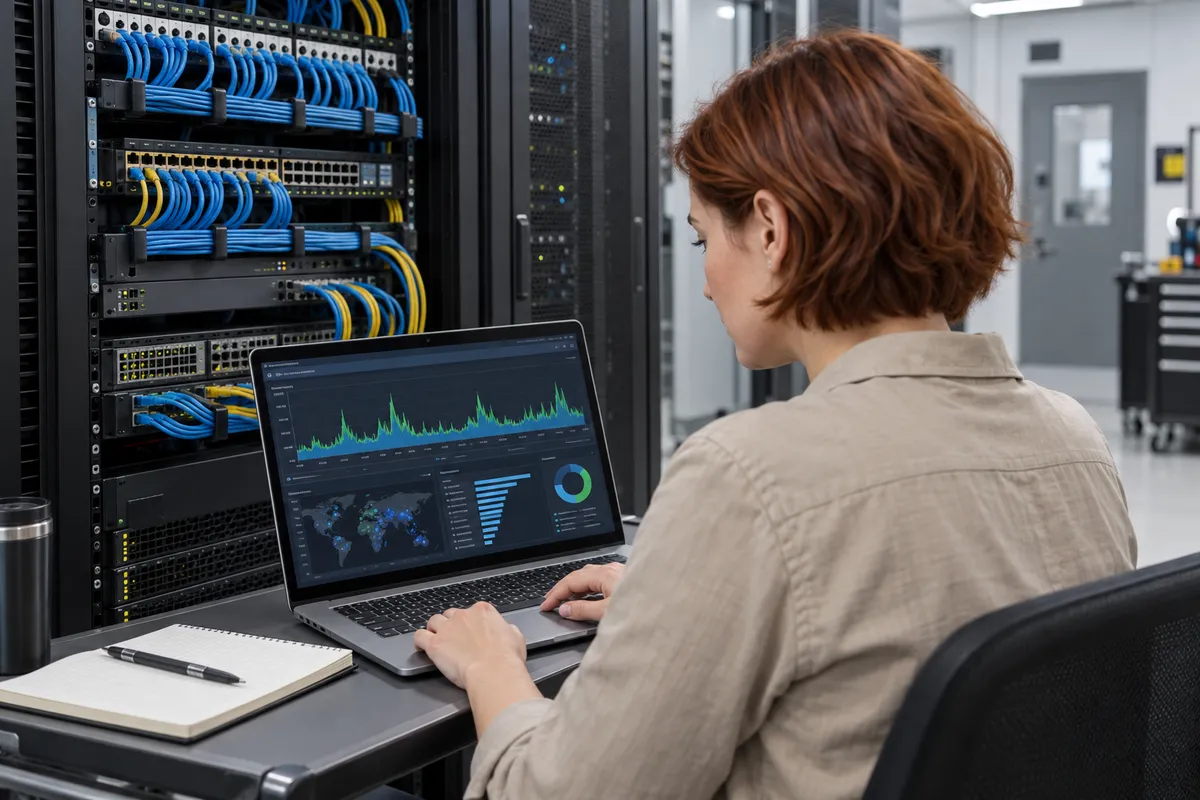
Sophos NDR monitors communications between devices on your network to identify unusual or suspicious activity. It complements protection for your computers and servers, particularly for devices that cannot run security software.
Observe communications between your devices to better understand what is happening on your network.
Spot unusual behaviour that may signal a threat or an attempted attack.
Also monitor devices that cannot run protection software.
Provide the information needed to understand an alert and respond effectively.
Practical situations where network monitoring can make a difference.
A printer or surveillance camera can become an entry point to your network. As protection software cannot be installed on it, NDR monitors its traffic, detects suspicious behaviour and enables the device concerned to be isolated quickly.
A computer suddenly starts communicating with a server or device it never normally accesses. NDR spots this unusual behaviour and triggers an alert before the threat spreads.
An alert appears on a staff member’s computer. NDR lets you check whether other devices have been contacted and helps establish the extent of the incident so you can respond quickly.
GVISION adapts Sophos NDR to your network, handles installation and organises alert monitoring with your business.
Identify your sites, equipment and important communications to monitor.
Choose where to place the solution to observe relevant traffic on your network.
Commission Sophos NDR and check that communications are analysed correctly.
Define how alerts are followed up, who should respond and which actions to take.
Points to clarify before getting started.
Any other questions?Sophos NDR monitors communications between devices on your network. It identifies unusual activity that may indicate an intrusion, a compromised device or an attempt to spread.
Endpoint protection acts directly on computers and servers. NDR observes network traffic, including traffic from equipment that cannot run security software.
No. It complements their protection by providing a broader view of what is happening on the network. These solutions work together to detect more threats.
NDR can monitor traffic from computers, servers, printers, surveillance cameras, connected devices and other equipment linked to the covered network.
No. Sophos NDR analyses network communications without requiring software on every device.
An alert is generated with the information needed to understand the situation. Depending on the configuration in place, the device concerned can then be isolated and malicious communications blocked.
Managed IT allows specialists to monitor and analyse alerts. If a threat arises, the necessary actions can be taken quickly to limit the impact on your business.
Talk to an expert to assess your needs and determine whether Sophos NDR suits your business.